
Why this Guide?
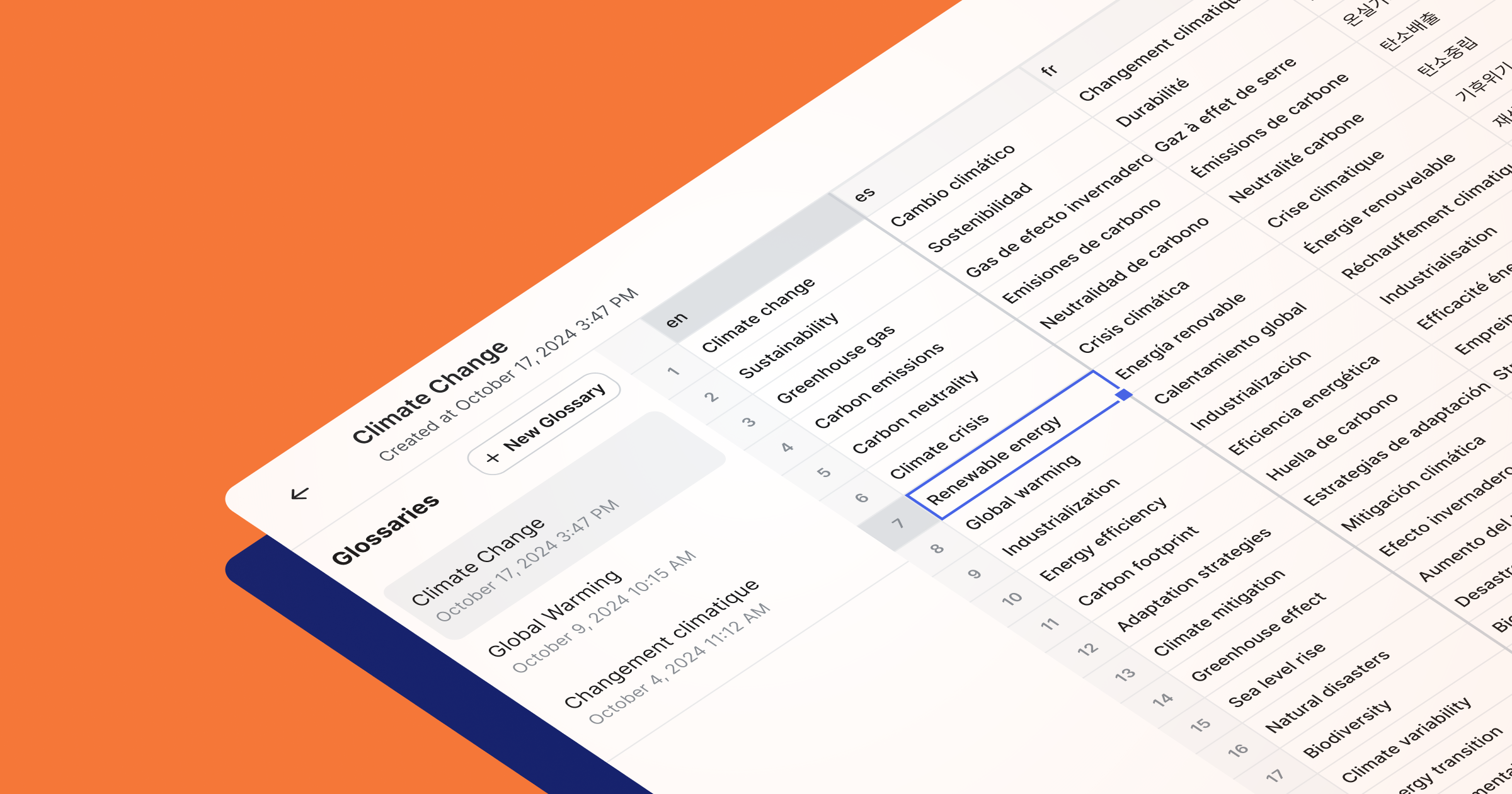
In EventCAT, glossaries allow you to customize how specific terms are translated during your event or meeting. This includes proper names, brand names, acronyms, and specialized terminology across different fields, helping ensure more consistent and reliable results.
You can create a glossary in two ways:
Manually, by entering terms and their preferred translations
By uploading files, such as PDF, Microsoft PowerPoint, or Microsoft Word documents, which EventCAT will process them automatically.
Each uploaded glossary can contain up to 200 terms, each with a size limit of 50MB.
Proactive Tips:
Once created, glossaries can be reused and applied to both OnlineMeeting and Conference setups. While using a glossary is optional, it is recommended for better translation quality, especially for events with technical or branded content.
For step-by-step instructions, please refer to the following guides:
EventCAT OnlineMeeting: How to Create a Glossary in EventCAT OnlineMeeting
EventCAT Conference:How to Create a Glossary in EventCAT Conference
If this guide does not resolve the issue, users can reach out for further assistance:
Go to EventCAT Help Desk
Need more help? contact@EventCAT.com