
When there's no sound
When there's no sound
Check on the laptop
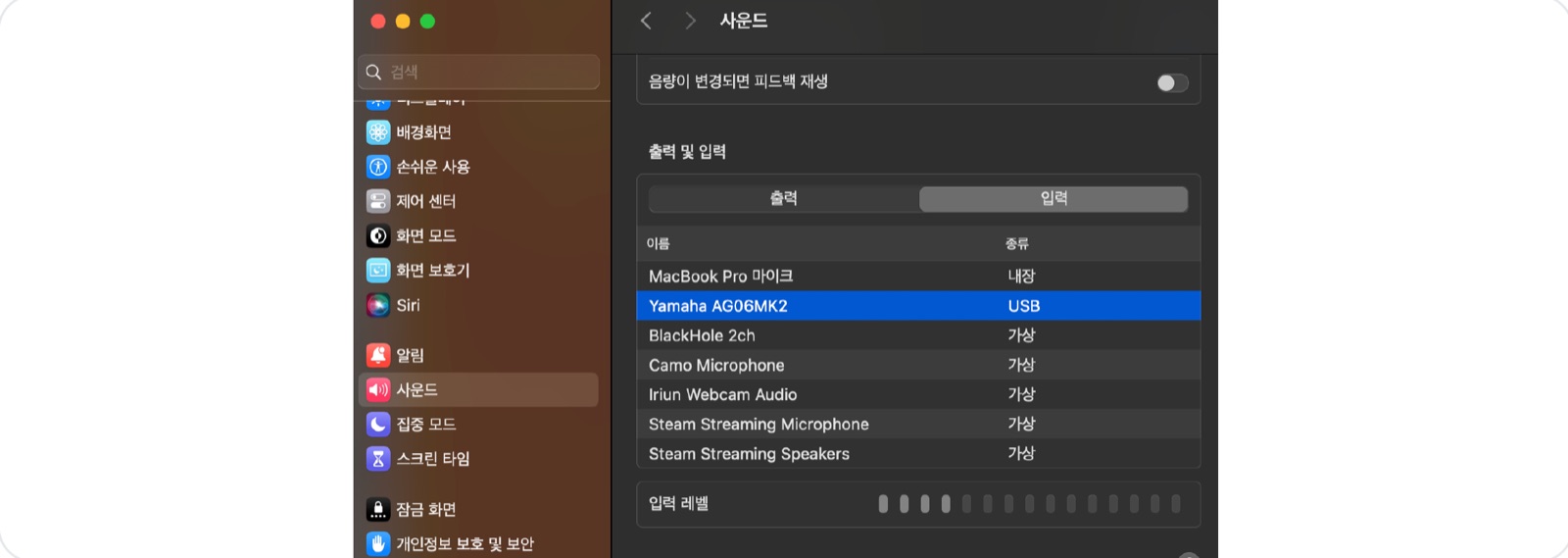
Go to Sound settings → check that the input device is set to the audio interface. If the input level meter moves, audio is coming in.
Check in EventCAT
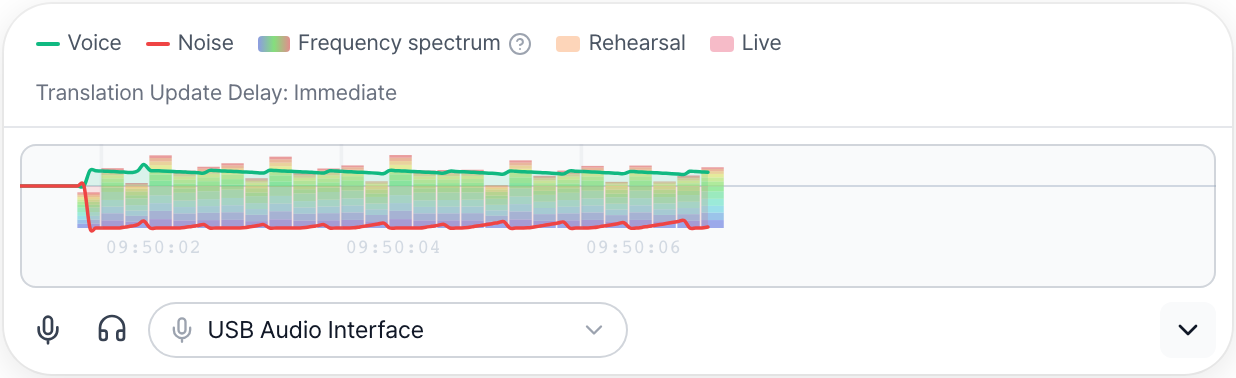
In the audio input bar below the transcript, select the audio interface and check that the green voice line rises when someone speaks. Also make sure the browser's mic permission is set to Allow.
If sound still isn't picked up
Check in this order: XLR connection → laptop input device → browser permission. Then try a different USB port or refresh the browser. Also check that the mute (🎙) button isn't on.