
CASE 3 · Running without a screen
CASE 3 · Running without a screen
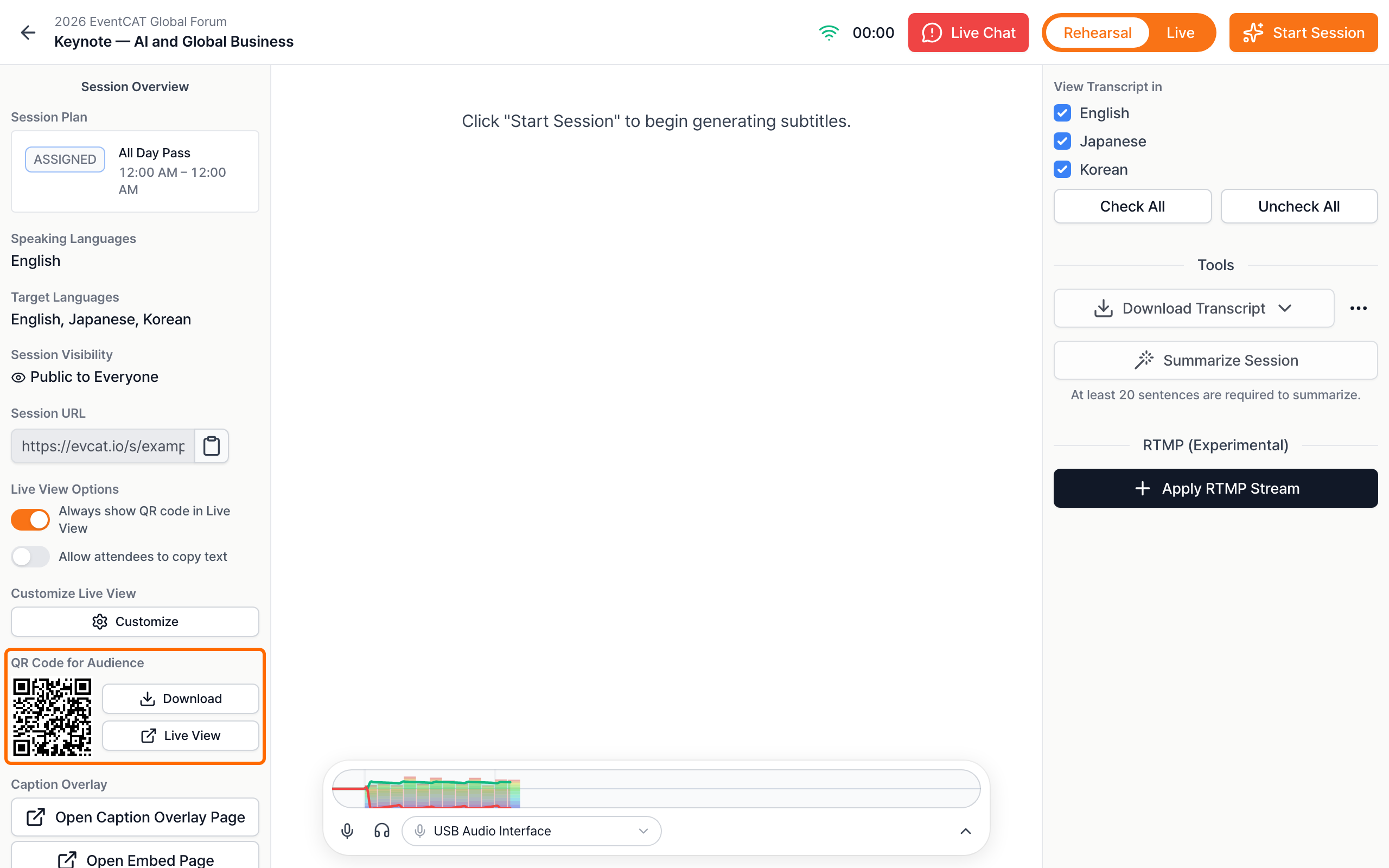
- In the left panel of the controller, check that Session Visibility is set to public.
- In the controller, view or download the public participant link and QR code.
- Place the QR code on the venue screen, banners, printed materials or name badges. Attendees can join on their own and read subtitles in the language they want.
Listen with audio too (TTS)
With earphones connected to their device, attendees can also listen to the translation in the language they choose. This helps where subtitles are hard to read.
Tip If you're running without a screen, announce how to join via QR before the event starts, through the host or an info slide.