
EventCAT Conference provides a QR code access feature that allows the audience to view real-time translated subtitles directly on their mobile phones or tablets.
Even without a separate screen at the venue, users can easily access the subtitles through their personal devices, making it useful in a wide range of settings such as educational institutions, academic conferences, and government events. Additionally, for international events or panel talks, each VIP or panelist who uses a different language can be provided with subtitles on individual tablets.
How to Provide a QR Code for Audience Scanning:
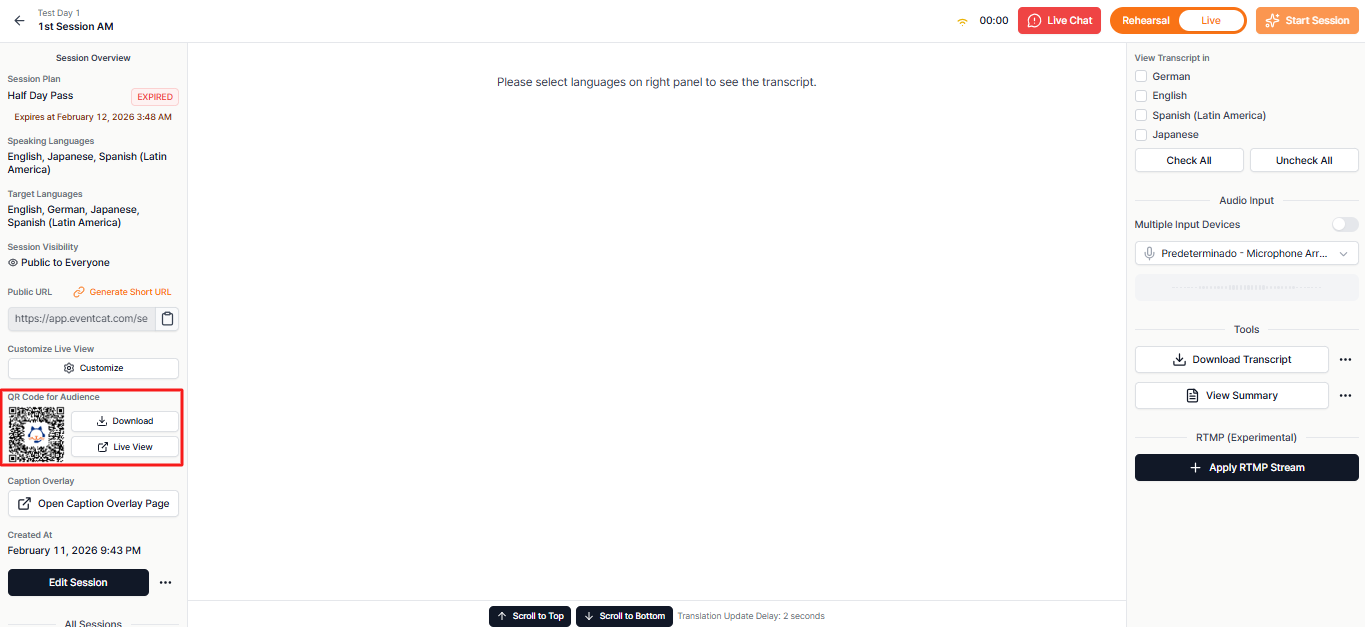
1. Access Controller Page
Log in to the controller page of the session that will provide real-time translated subtitles.
2. Download QR Code
a. Download the QR code image file (PNG) from the left sidebar.
3. How to Place the QR Code at the Event Venue:
a. Display it on the venue screen before the event starts.
How to Display the QR Code at the Venue:
There are two kinds of QR code for the audience:
Room QR: In the conference settings scheduler, click the QR icon next to the room name to download it. It takes attendees to whichever session is running in that room, or to the room's session list if none is running, so one QR code can cover the whole day.
Session QR: Download it from QR Code for Audience in the left panel of the session controller. It links to that one session only, and the session must be set to Public for attendees to join.
To keep the QR code on the Live View, turn on Always show QR code in Live View under Live View Options.
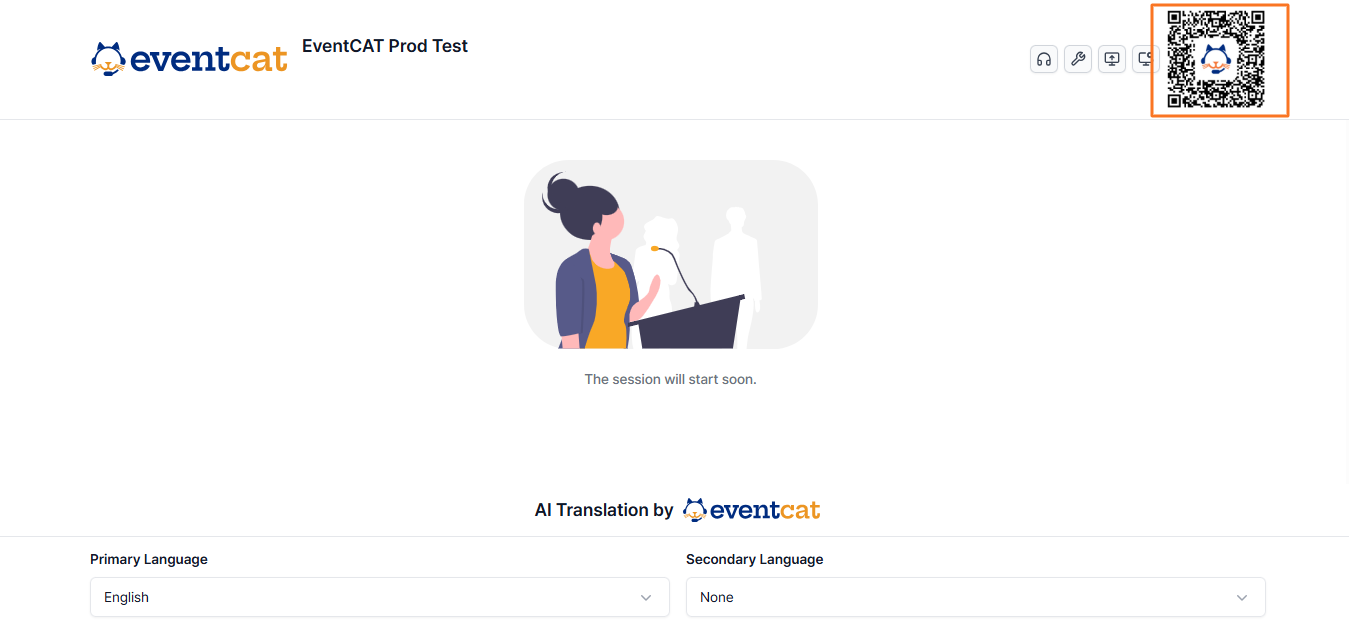
1. Audience Language Selection
a. The audience who scans the QR code accesses the subtitle page via their own mobile browser and can select their preferred language to view real-time subtitles.
2. Audience Language Selection
b. Once the QR code is scanned, the audience can access the subtitle page via their mobile browser and choose their preferred language to view real-time subtitles.
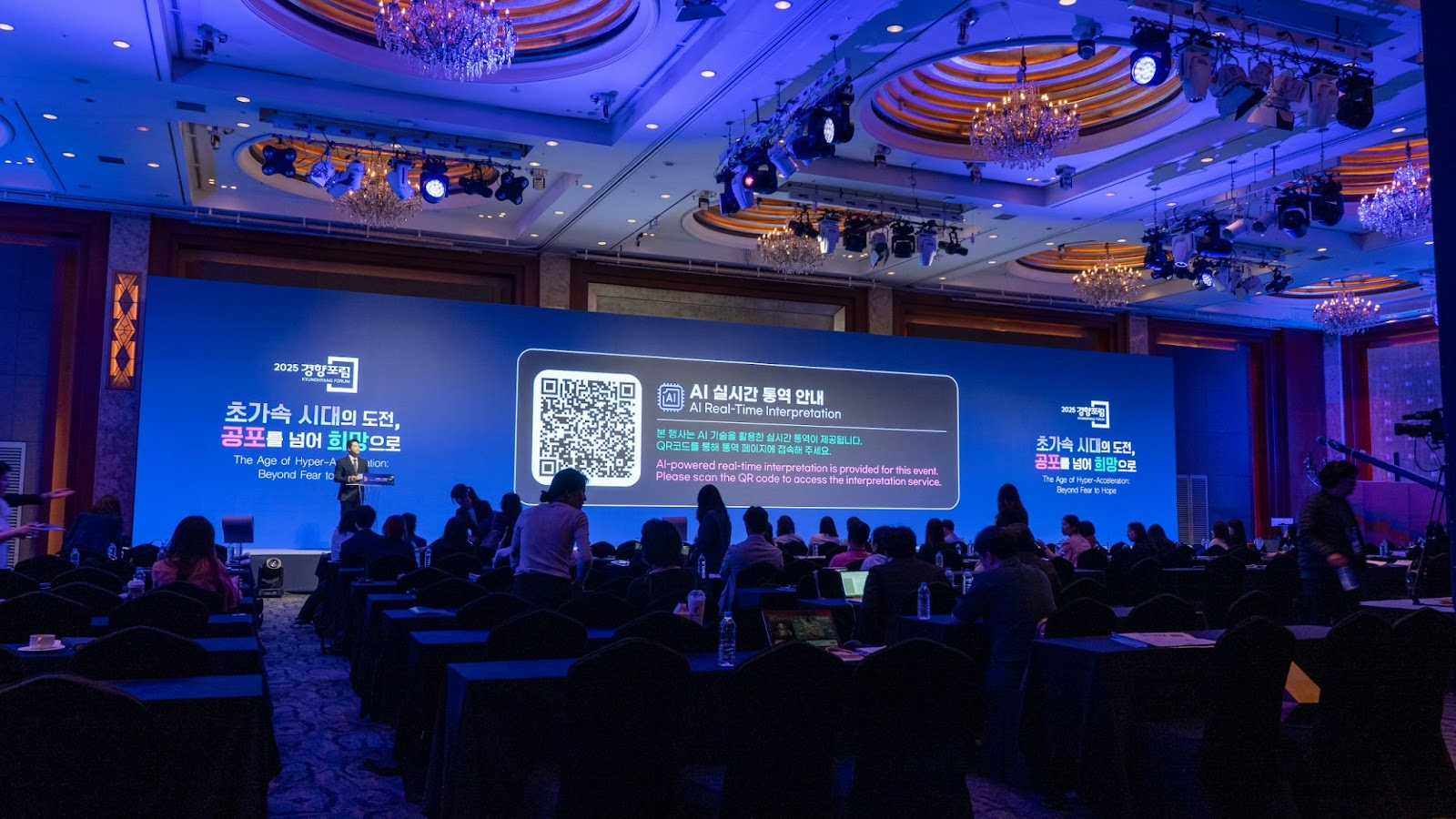
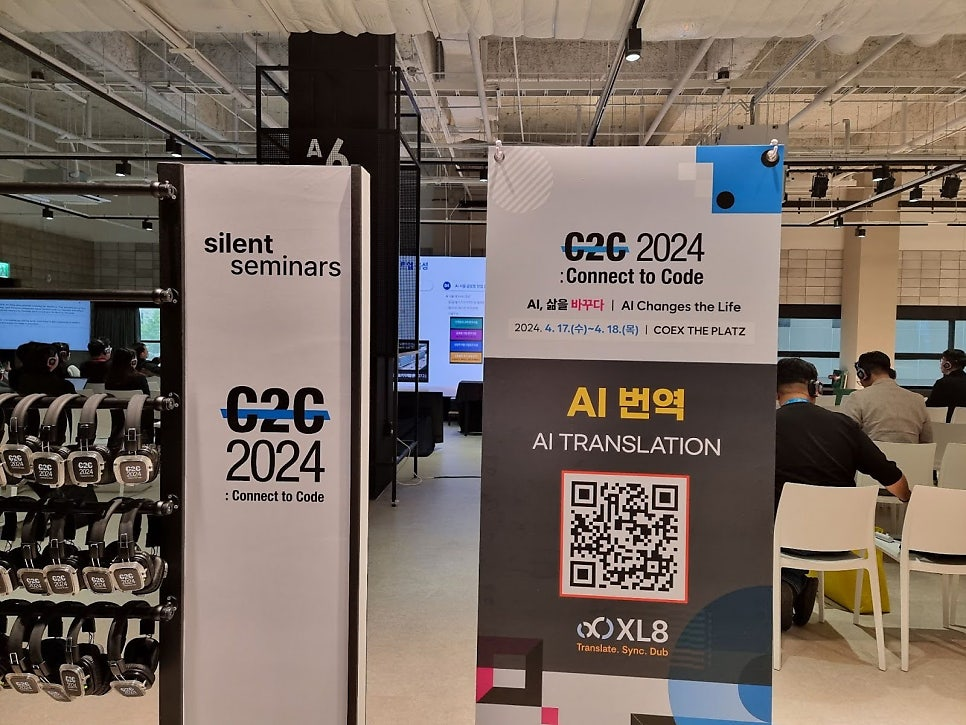
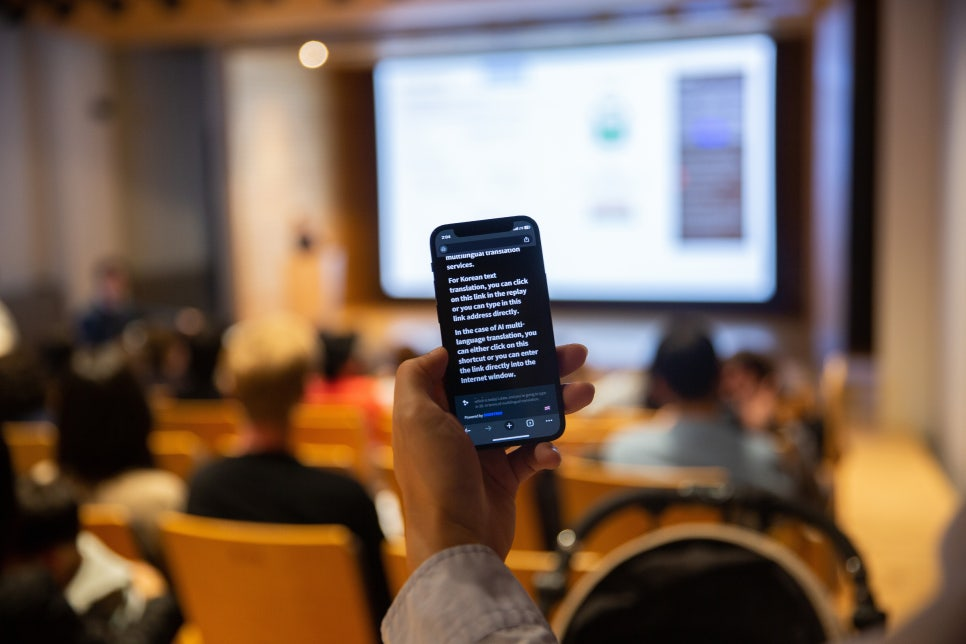
References for Events That Used QR Code-Based Real-Time Subtitles: