
Why this Guide?
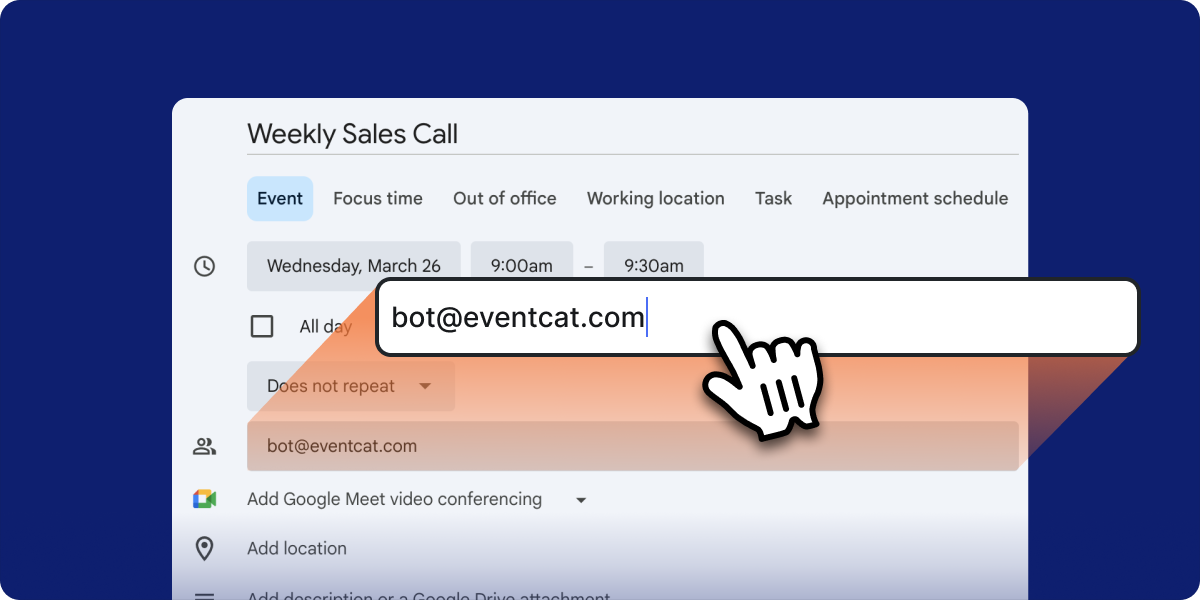
With this guide. you'll learn how to say goodbye to manual setup! With the EventCAT Calendar Bot, you can enable real-time translated subtitles in your meetings by simply inviting the bot as a guest, no extra steps required.
How to Use the Calendar Bot (Paid Plans Only)
Sign up at eventcat.com.
Select your preferred spoken and target languages at: eventcat.com/meetings/settings.
Schedule your meeting on Google Calendar, MS Outlook, or MS Teams.
Invite bot@eventcat.com as a participant in your calendar invite.
The EventCAT AI Interpreter Bot will automatically join and provide real-time translated subtitles based on your selected language settings.
Additional Information
Once you set your spoken and target languages, EventCAT will remember your preferences for future meetings.
These language settings will stay the same until you update them at eventcat.com/meetings/settings.
For recurring meetings, the selected languages will automatically apply to all upcoming sessions.
To use different languages for a specific meeting, just update your settings before the meeting starts, and then invite the bot again.
Proactive Tips
Double-check the bot invitation before your meeting to ensure translation starts on time.
Update your language settings before scheduling recurring meetings to maintain consistency.
Invite the Calendar Bot in advance for each meeting if you need to change languages on a per-meeting basis.
If this guide does not resolve the issue, users can reach out for further assistance:
Go to EventCAT Help Desk
Need more help? contact@eventcat.com