
Before the event · Billing
When you start a Live session with a pass or prepaid credit, a window asks you to confirm what happens when it runs out. It doesn't appear in Rehearsal mode.
- In the controller, set the mode to Live and click Start Session. The Confirm auto top-up settings window opens.
- Check the assigned plan and its guaranteed time (e.g. 6 hours guaranteed), and turn on Auto top-up if needed. If you have no payment method, add a card first.
- Select the checkbox to agree to the notice, then click Start Live Session.
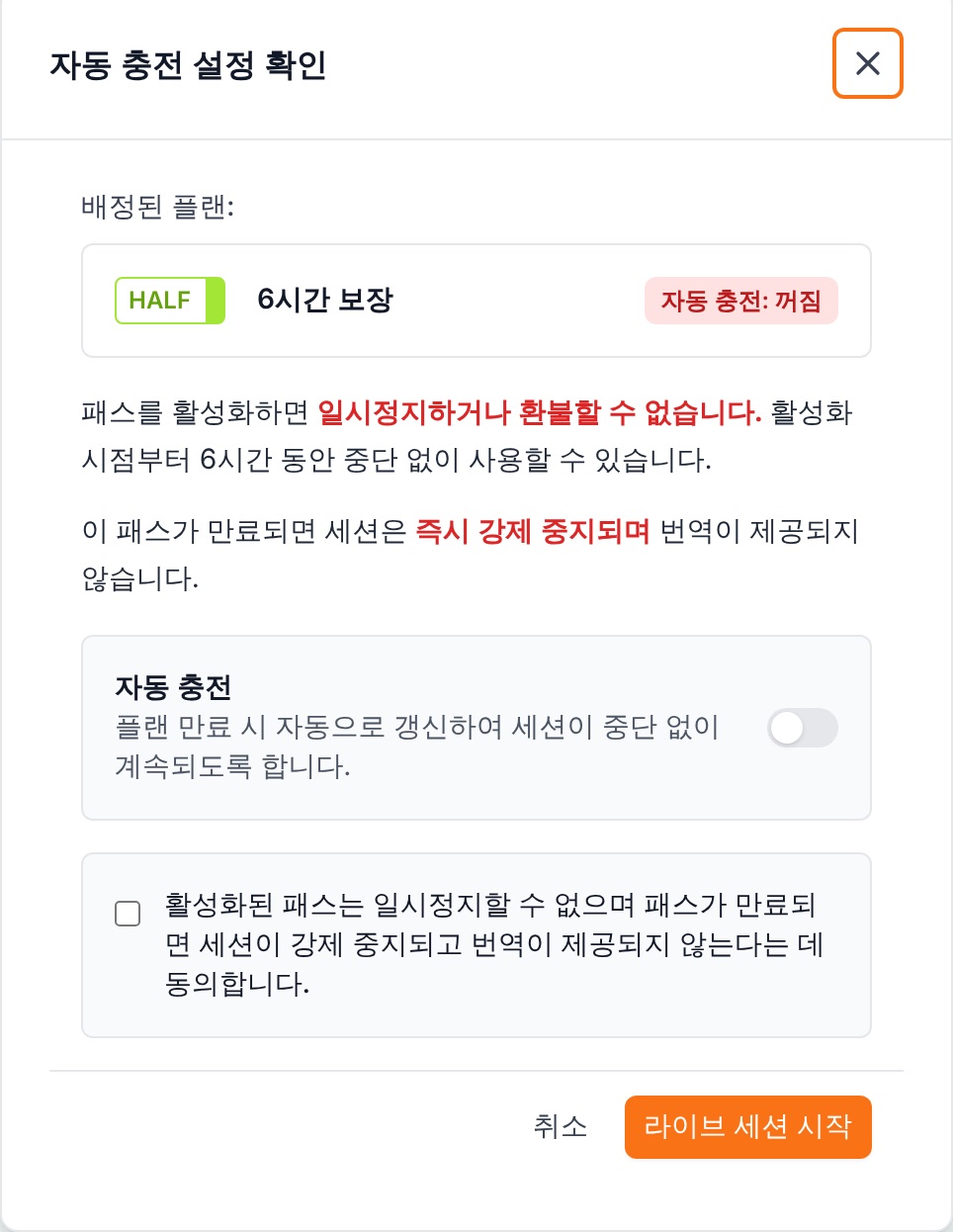
- Auto top-up offWhen the pass expires or prepaid credit runs out, the session is stopped immediately and translation ends.
- Auto top-up onWhen it expires, the same type of pass (or credit) is charged to your saved payment method, and the session continues without interruption.
Warning An active pass can't be paused or refunded. If your event might run long, keep auto top-up on.